USB Type-A (SuperSpeed)
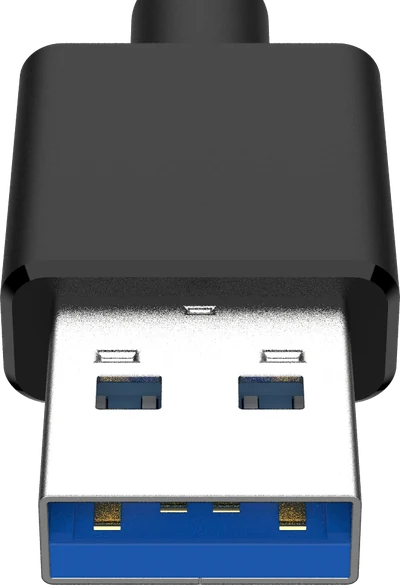
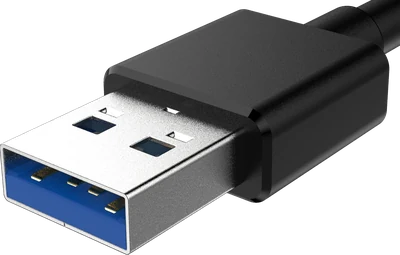
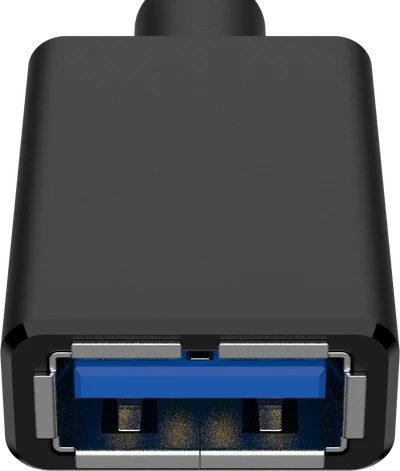
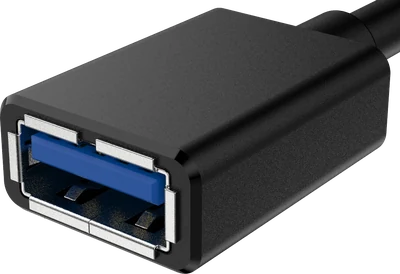
The same rectangle as Type-A, with a blue tongue and five extra pins.
Also called: USB-A 3.0, USB 3.0, blue USB, SuperSpeed USB, USB 5Gbps.
How to recognise it
- Identical outline to a normal Type-A - it is the same plug.
- The plastic tongue is usually blue; teal or red means a faster or always-on port.
- Five extra contacts sit behind the four you can see on a 2.0 plug.
Where you will find it
- Ports on any computer made since roughly 2010
- External hard drives and SSDs
- USB hubs and docking stations
What it fits
-
These are the same physical plug, so they always fit. The link runs at the slower end's speed - 480 Mbps (Hi-Speed) - because USB Type-A has no contacts for anything faster.